



Top 5 Best IPTV Apps to Power Your Streaming in 2026
March 22, 2026What is IPTV? The Complete 2026 Guide to the Future of Television
March 26, 2026The 2026 Sports Fan’s Guide to IPTV: How to Watch Every Goal, Race, and Fight in 4K
2026 is the biggest year in sports history. With the FIFA World Cup expanding to 48 teams across North America and the Winter Olympics in Milano Cortina, sports fans are moving away from restrictive cable contracts toward the flexibility of IPTV.
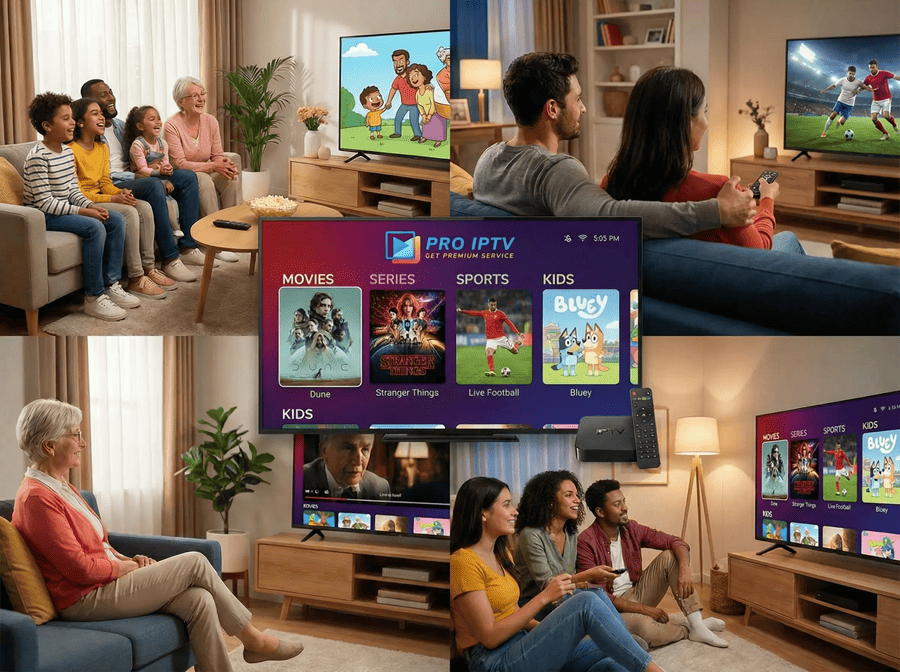
But not all IPTV services are built for live action. If your stream lags by 30 seconds, your neighbors will cheer a goal before you even see the player kick the ball. Here is how to ensure your setup is “Game Day Ready.”
1. Top Sports Events to Stream in 2026
Your IPTV subscription gives you a front-row seat to a global stadium. Mark your calendars for these massive events:
| Event | Dates | Key Channels to Watch |
| Super Bowl LX | Feb 8, 2026 | NBC, Fox Sports, Sky Sports NFL |
| Winter Olympics | Feb 6–22, 2026 | Eurosport, NBC, CBC, BBC Sport |
| UEFA Champions League Final | May 30, 2026 | TNT Sports, Canal+, Paramount+ |
| FIFA World Cup 2026 | June 11 – July 19 | FOX, Telemundo, BBC, ITV, beIN Sports |
| Formula 1 (Monaco GP) | June 7, 2026 | Sky Sports F1, ESPN, Canal+ |
2. Why “Anti-Freeze” Technology Matters for Sports
Live sports are “high-motion” content. Unlike a movie, where the background is static, sports involve constant camera pans and fast-moving objects. This requires:
- High Bitrate: A minimum of 12–15 Mbps for a true 4K sports stream.
- 60 FPS (Frames Per Second): 30 FPS looks “choppy” during a fast football pass. Ensure your provider offers 60 FPS on major sports channels.
- H.265 (HEVC) Compression: This allows for 4K quality while using 50% less bandwidth than older formats.
3. The Pro Setup: No Lags, No Spoiled Goals
To get the best performance from GetProIPTV during a live match, follow these three expert tips:
A. Use a Wired Ethernet Connection
Wi-Fi is convenient, but it’s susceptible to interference from your microwave, neighbors, and walls. For a 90-minute match, a Cat6 Ethernet cable is the only way to guarantee zero “spinning circles.”
B. Optimize Your DNS Settings
Default ISP DNS servers are often slow and can lead to “Channel Not Found” errors. Switch your device settings to:
- Google DNS: 8.8.8.8 / 8.8.4.4
- Cloudflare DNS: 1.1.1.1
C. Select the “Low Latency” Stream
Many premium providers offer two versions of major sports channels: a “Raw/4K” stream for the best picture and a “Low Latency” stream for real-time action. If you are chatting with friends online during the game, choose the Low Latency option.
4. Is a VPN Necessary for Sports?
In 2026, many ISPs (Internet Service Providers) use “Deep Packet Inspection” to detect high-bandwidth streaming and throttle your speeds specifically during big matches.
Using a VPN like NordVPN or Surfshark hides your traffic. Your ISP sees “encrypted data” instead of “IPTV Stream,” preventing them from slowing you down when the game gets intense.
Conclusion: Don’t Settle for Second Best
When the World Cup final kicks off, you shouldn’t be worrying about buffering. You need a service that invests in Tier-1 servers and high-bitrate feeds. Stop paying for cable and start streaming with the world’s most stable infrastructure. GetProIPTV delivers uncompressed 4K sports, global news, and the latest cinema directly to your Firestick, Smart TV, or mobile device—all with zero buffering and 99.9% uptime guaranteed. Experience the BEST IPTV Service 2026. Stream 20K+ channels and 60K+ VOD in 4K with Anti-Freeze 4.0 technology. Fast setup & 24/7 support. Start your free trial!
Experience the 2026 Season in Ultra HD.
[Get your GetProIPTV Sports Pass Today] – Featuring every major sports network in 4K/60FPS with dedicated 24/7 support. 100% Satisfaction Guaranteed or your money back